YouTube
Own Your AI Stack with Local Models

4 hours, 3 minutes
CC

Course Description
Local models are now good enough for daily coding work, and running them yourself means your code stays private and your cost per token is zero. Learn how model families, formats, and quantization determine what runs well on your hardware. Get LM Studio up and running to serve open-source models to VS Code and terminal agents, with remote access from any device. Setup your own AI coding environment that no vendor can rate-limit, reprice, or switch off!
Prerequisite: Basic familiarity with agentic AI coding and access to a computer capable of running local AI models, such as an Apple Silicon Mac or a PC with a dedicated GPU.
Preview
Course Details
Published: September 10, 2026
Rating
Learning Paths
Learn Straight from the Experts Who Shape the Modern Web
Your Path to Senior Developer and Beyond
- 300+ In-depth courses
- 24 Learning Paths
- Industry Leading Experts
- Live Interactive Workshops
Table of Contents
Introduction
Section Duration: 5 minutes
 Kyle Cook introduces the course by installing and running a basic AI model, then delving into the reasons for choosing local AI and understanding how different models interact with hardware. He further explores various model types, formats, and hardware considerations, including quantization techniques to optimize model size for different systems.
How LLMs Run on Hardware
Section Duration: 52 minutes
 Kyle walks through the process of downloading and setting up LM Studio, emphasizing the importance of enabling developer mode for customization. He then guides students through selecting a small model, loading it into LM Studio, and engaging in a chat with the model to demonstrate local AI capabilities.
 Kyle explores the benefits of using local AI, emphasizing privacy and cost-effectiveness, especially for enterprise-scale and healthcare companies. He compares local models to cloud models, highlighting the advantages of full control, fine-tuning capabilities, and independence from providers, while acknowledging that cloud models may offer faster response times for certain tasks.
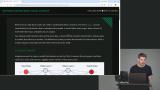 Kyle explains how neural networks work by breaking down the structure of models, including inputs, weights, and hidden layers, to show how calculations are made to generate outputs. He outlines the difference between training and inference, emphasizing that during training, weight values are adjusted iteratively to achieve accurate outputs, while during inference, the model runs with fixed weight values to produce results.
 Kyle explains how LLMs convert text into tokens and predict the next token from a range of probability-weighted options. He also covers context as the model's memory, showing how the full conversation history is resent with every new message.
 Kyle demonstrates how top P, top K, min P, and seed settings control which tokens a model can choose and how much randomness it introduces. He shows live examples in LM Studio of tightening these settings for more deterministic output, and answers questions on temperature vs. top P.
 Kyle explains the importance of hardware components like CPUs, GPUs, and memory in running models efficiently. He highlights how GPUs, especially those from Nvidia with CUDA cores, are optimized for running AI models, and emphasizes the significance of fitting the entire model into the video RAM to avoid significant slowdowns.
Model Types by Task
Section Duration: 1 hour, 5 minutes
 Kyle walks through the process of finding and understanding AI models on Hugging Face. He explains how model families help identify models, breaks down the naming conventions to reveal key information, and guides students on using filters to narrow down model choices based on parameters, tasks, and formats. He emphasizes the importance of checking the source of models and quantizations for trustworthiness, and demonstrates how to navigate through collections and evaluation results to make informed decisions.
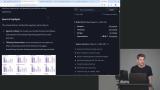 Kyle walks through the process of downloading models from LM Studio, explaining how to filter, select, and download quantized models either by clicking on specific quantizations or using the top option for guidance on system compatibility. He also covers the importance of choosing MLX versions for Mac users to optimize speed and performance.
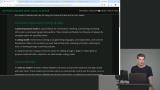 Kyle explains the different capability-based categories of models, including general purpose vs. coding-focused, instruct, reasoning, vision, and tool calling. He also covers embedding/re-ranker models and how LM Studio's icons help identify these capabilities.
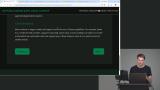 Kyle breaks down the difference between dense and mixture-of-experts (MOE) models and how MOE routing enables faster inference. He then demonstrates GPU/CPU offloading and context length settings in LM Studio, comparing real speed results across models.
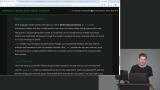 Kyle explains how multi-token prediction (MTP) can potentially speed up model generation by generating multiple tokens at once, increasing the model's efficiency. He demonstrates how to enable and customize MTP settings, highlighting that the impact on speed may vary depending on hardware and the model being used.
Hardware & Quantization
Section Duration: 54 minutes
 Kyle discusses the importance of choosing the right model format and runtime for optimal performance. He compares GGUF and MLX formats, highlighting how MLX is optimized for Apple systems, while emphasizing the significance of selecting the appropriate runtime like LM Studio or VLLM based on the user's needs and level of expertise.
 Kyle explains the process of determining the right model for download based on hardware specifications, including how to identify hardware details on Windows, Mac, and Linux systems. He then delves into the concept of quantization, breaking down terms like FP32, FP16, and Q8 to illustrate how models are compressed by reducing the number of bits used to represent weights, ultimately impacting file size and model quality.
 Kyle explains the importance of considering context size and memory usage when working with quantized models, emphasizing how increasing context size significantly impacts the memory required to run the model effectively. He demonstrates this concept by adjusting the context window of a model, showing how the memory usage increases as the context size grows, highlighting the direct correlation between context size and the space a model occupies in memory.
 Kyle explains how to choose an appropriate context window size based on your task (chat, coding, or autocomplete) and demonstrates in LM Studio how offloading and quantizing the KV cache can reduce memory usage at the cost of speed and quality. Kyle then walks through additional settings like unified cache, batch size, and GPU offload, and answers questions on context compacting and optimizing for multi-user setups.
 Kyle covers how to configure model sampling settings, including temperature, top P, top K, and max output tokens, by finding a model's recommended values on its model page and applying them in LM Studio's per-model settings for consistent, saved defaults. He then demonstrates where to locate and, if needed, reset the chat template, noting it rarely needs adjustment but is essential for the model to respond correctly.
 Kyle breaks down the key speed metrics for measuring local inference, including load time, time to first token, tokens per second, and memory usage, and demonstrates how LM Studio displays this data to help evaluate model performance. He then walks through his approach for comparing models and quantizations using a consistent test prompt, followed by real-world usage over time to judge output quality.
Developer Tool Integrations
Section Duration: 31 minutes
 Kyle covers how to turn LM Studio into a local server, including starting it from the UI or command line, enabling settings like remember settings, MCP access, and just-in-time model loading. Kyle then breaks down the different API endpoints available, explaining why OpenAI-compatible chat completions is the recommended choice for most coding setups.
 Kyle outlines the information needed to connect an agent harness to a local model, then demonstrates two ways to set this up in VS Code, first through a pre-built extension and then by manually configuring a custom model provider with a JSON file. Kyle also troubleshoots common issues along the way, such as mismatched model IDs, incorrect URLs, and models lacking tool-calling support.
 Kyle demonstrates how to configure Pi, his preferred minimal terminal-based editor, by editing the models.json file to specify the provider URL, model ID, context window, max tokens, and optional reasoning settings. Kyle then tests the setup inside Pi, showing how it loads models, responds to prompts, and creates files, while comparing its speed and simplicity favorably against VS Code.
Configure Remote Access
Section Duration: 31 minutes
 Kyle compares Tailscale and LM Link as two options for accessing local AI remotely, then demonstrates how to set up LM Link across multiple devices so requests made to localhost automatically route to a remote machine. Kyle also troubleshoots a context mismatch issue live and fields audience questions about running multiple models and cross-device compatibility.
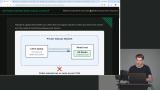 Kyle demonstrates how to set up a private Tailscale network, from creating an account and connecting devices to configuring LM Studio's IP address so remote requests route correctly. Kyle then covers more advanced Tailscale features for team or company use, including device approval and access control policies that restrict which machines can communicate with each other.
 Kyle explains the tradeoffs of renting cloud GPUs to run open-weight models, including losing local privacy in exchange for flexibility to test or swap hardware without a large upfront investment. Kyle then fields a range of audience questions, covering future trends in model efficiency, Mac versus Nvidia hardware choices, non-coding use cases, and tips for buying budget-friendly older GPUs.
Wrapping Up
Section Duration: 1 minute
 Kyle wraps up the course by tying together model families, quantization, and system memory into a practical framework for choosing the right model, recommending Qwen's smaller models as a solid starting point for coding. Kyle encourages learners to experiment with larger, more capable models based on their own hardware, using each for a day at a time to find their personal favorites while pointing back to the course materials as an ongoing reference.
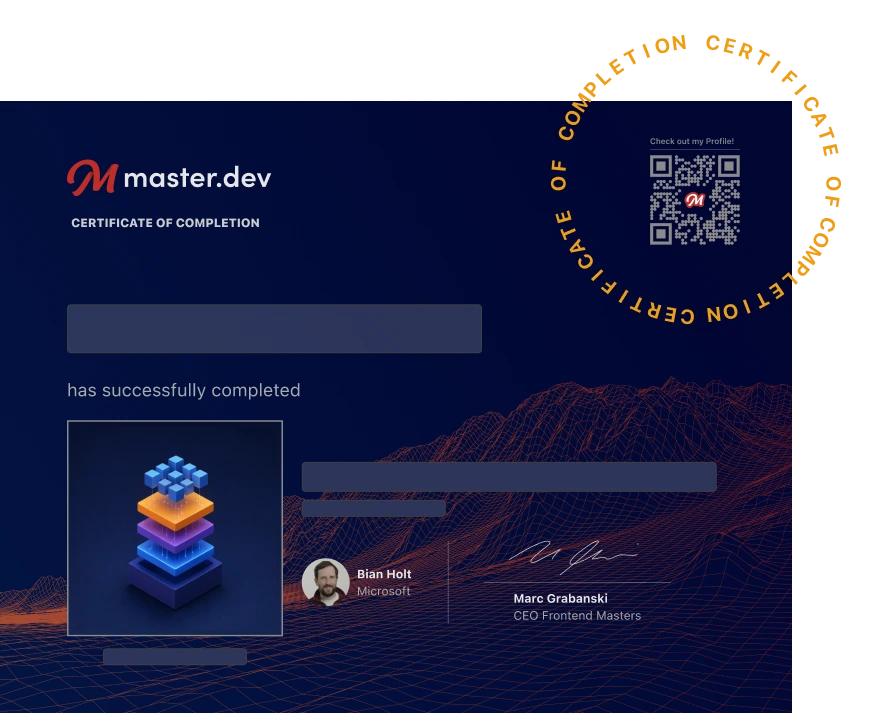
Earn a Completion Certificate
After completing this course, you'll receive a certificate of completion that serves as proof of your achievement, showcasing your expertise, and commitment to professional development. You can easily share this certificate on your LinkedIn profile to highlight your new skills and demonstrate continuous learning to potential employers and professional connections.
What They're Saying
Kyle Cook is one of the most well-spoken course instructions I've seen on Master.dev. Such an amazing addition to the lineup!

Brandon Leichty
Kyle is one of the best instructors I've come across world-wide. I've followed him through much of his WDS material, and he has the same consistency of quality throughout. His clear, down-to-earth explanations are both penetrating and insightful. He clearly thinks about how he presents so as to keep a consistent building path of useful knowledge up in the mind of the students.
Richard RichKHall
As usual, Kyle delivered an excellent seminar. After watching it, I decided not to wait for my preordered M6 Mac mini with 32 GB of unified memory to arrive. Instead, I’m going to start building now with my older M4 Mac mini and its 16 GB of unified memory.

Alex Lyakhovich