
TheAltF4Stream
Cloud CI/CD with GitHub Actions

4 hours, 34 minutes
CC
Course Description
Build production-ready CI/CD pipelines with GitHub Actions. Start with your first workflow, then scale your automation with caching, composite actions, reusable workflows, protected environments, and secure cloud authorization with OIDC. Learn to debug, harden, and ship reliable workflows for real projects.
Prerequisite: Basic experience with Git and GitHub, including cloning repositories, committing changes, opening pull requests, and working in the command line.
Preview
Course Details
Published: June 26, 2026
Rating
Learning Paths
Learn Straight from the Experts Who Shape the Modern Web
Your Path to Senior Developer and Beyond
- 300+ In-depth courses
- 24 Learning Paths
- Industry Leading Experts
- Live Interactive Workshops
Table of Contents
Introduction
Section Duration: 12 minutes
 Erik Reinert, a senior software engineer and content creator with extensive DevOps and platform engineering experience, begins the course by highlighting how you will deploy a simple frontend using GitHub Actions, focusing on CI/CD pipeline maturity rather than front-end development specifics. You'll need a GitHub account (free plan), AWS free tier account (optional), and Node.js for building the frontend application.
GitHub Actions Basics
Section Duration: 34 minutes
 Erik discusses the initial proof-of-concept phase, emphasizing speed and practicality over perfection. It's important to quickly get a working solution in front of users, even if it means intentionally doing things "wrong" to learn and iterate faster.
 Erik introduces GitHub Actions workflows, focusing on their structure, triggers, runners, context, and best practices for managing CI/CD pipelines efficiently. Each job runs on a fresh VM, ensuring no shared state and making CI the source of truth over local machines.
 Erik spends a few minutes discussing the fundamentals of building a simple Continuous Integration (CI) pipeline for a Node.js project. The deployment uses the AWS S3 sync command, mirroring local deployment processes in CI.
 Erik explains the operational benefits of separating build and deploy stages. This separation improves reliability, security, and efficiency in software delivery. For example, build and deploy should be distinct jobs to reduce failure impact and improve productivity.
Dependencies & Configuration
Section Duration: 54 minutes
 Erik guides students through creating a GitHub repository, setting up Node.js, and managing dependencies effectively for a CI/CD service project. He emphasizes best practices in software licensing, Node.js version control, and dependency management to ensure consistent and reliable builds.
 Erik sets up a simple frontend project using Astro, focusing on configuration files, building the project, and best practices for Git management and CI/CD workflows.
 Erik introduces GitHub Actions workflows, focusing specifically on the deploy workflow. The workflow includes triggers, job dependencies, artifact usage, environment variables, and data between jobs. Outputs and environment variables enable dynamic data sharing but can add complexity. Sourcing environment files is a common technique to manage environment variables in shell scripts.
 Erik covers how to set up a basic CI/CD pipeline using GitHub Actions. He commits build jobs, pushes code, monitors pipeline runs, and handles deployment jobs.
Connect GitHub to AWS
Section Duration: 23 minutes
 Erik stresses the importance of building infrastructure dependencies in a logical order. For example, creating an AWS S3 bucket before deploying the CI/CD pipeline that deploys to it. He then demonstrates the process of creating an S3 bucket and making it publicly available.
 Erik configures the AWS S3 bucket access for the GitHub Actions CI/CD pipeline by creating an IAM user with appropriate permissions and securely managing credentials in GitHub repository secrets. He recommends avoiding overly broad permissions, such as administrator access, to reduce security risks.
 Erik completes the full end-to-end continuous deployment pipeline that builds and deploys a static website to an Amazon S3 bucket. The pipeline is triggered on push to the main branch. The build job creates an artifact, the deploy job downloads the artifact and uploads it to S3.
Workflows & Branch Protection
Section Duration: 1 hour, 9 minutes
 Erik introduces the "make it stable" phase, which emphasizes improving the development workflow, ensuring code quality, and preparing for multiple contributors. Part of this phase is adding pull request gates to prevent direct pushes to the main branch and to validate PRs before merging, thereby maintaining code quality.
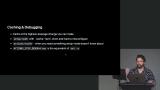 Erik covers best practices for optimizing and debugging GitHub Actions workflows, focusing on caching strategies, debugging techniques, and the use of composite actions to modularize job sequences. These approaches streamline workflow management, improve security, and enhance debugging efficiency in GitHub Actions. Erik also highlights how reusable workflows enable sharing entire jobs across multiple repositories, improving collaboration and code management.
 Erik demonstrates how to implement npm caching in GitHub Actions. He also discusses branch protection and strategies for protecting multiple branches (e.g. dev, staging, etc)
 Erik creates a composite GitHub Action to modularize and reuse CI/CD workflow logic. Composite actions require an action directory, defined inputs/outputs, and an integration point within the workflow. Composite actions improve maintainability and reusability compared to long, monolithic workflow files.
 Erik spends a few minutes discussing the impact that reusable workflows in GitHub Actions can have on centralizing workflows across multiple repositories, maintenance, and security processes.
 Erik creates a reusable workflow file and defines the jobs and triggers. He uses a minimal top-level workflow that calls the reusable workflow and adjusts the trigger to run on pull requests rather than pushes, reducing unnecessary pipeline runs and saving resources. Naming conventions matter to avoid confusion when nested workflows have jobs with the same name.
 Erik highlights best practices for managing GitHub workflows and branch protections to maintain code quality and collaboration in software projects. He emphasizes simplicity, reusability, and governance to transition from proof-of-concept to a stable, collaborative development environment.
Security & Concurrency
Section Duration: 1 hour, 16 minutes
 Erik transitions to enterprise-level security and CI/CD best practices. This phase includes securing AWS resources, managing concurrency, and enforcing stricter controls for production environments.
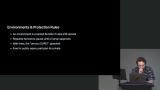 Erik introduces deployment guardrails and the use of OpenID Connect (OIDC) for secure cloud authorization, with a focus on production environment security and dynamic credential management. The two primary guardrails are requiring human reviewers on pull requests and a "wait timer" before deployment.
 Erik walks through some best practices and security considerations for deploying static sites using Amazon S3 and CloudFront, along with hardening GitHub Actions workflows to improve security and efficiency in CI/CD pipelines. Using CloudFront protects against direct public reads and DDoS attacks on S3 buckets. Deployments require cache invalidation on CloudFront to serve updated files immediately.
 Erik covers some advanced GitHub workflow management options. He creates a new environment and discusses configuring required reviewers and preventing self-approved merges. a wait timer can be added to provide deployment delays. You can also link environments to deployment jobs in workflow YAML for environment-specific deployment.
 Erik walks through setting up OpenID Connect authentication between GitHub Actions and AWS IAM to securely manage access via roles and policies. This method provides the granular control and security benefits of OIDC, but adds complexity for teams managing a large number of repositories
 Erik focuses on improving the security and stability of GitHub workflows by pinning actions to specific commit SHAs and tightening permissions. This process, referred to as "hardening workflows," helps prevent unexpected changes and potential security issues.
 Erik implements concurrency controls for the pipeline. For CI workflows, concurrency is set per pull request to cancel redundant runs when new commits are pushed, saving resources. Deploy jobs use a static concurrency group with cancellation disabled to ensure deployments wait for completion without interruption.
 Erik tests the full deployment pipeline. The overall goal aims to create a secure, efficient, and maintainable enterprise-grade deployment pipeline across repositories.
 Erik summarizes improvements made to an enterprise deployment pipeline, focusing on security enhancements, environment management, and workflow reviewability. Key changes include removing long-lived credentials, introducing production deployment gating, and improving third-party code stability.
Wrapping Up
Section Duration: 3 minutes
 Erik wraps up the course by reiterating the importance of establishing CI/CD pipelines that reduce friction and scale with your team and application.
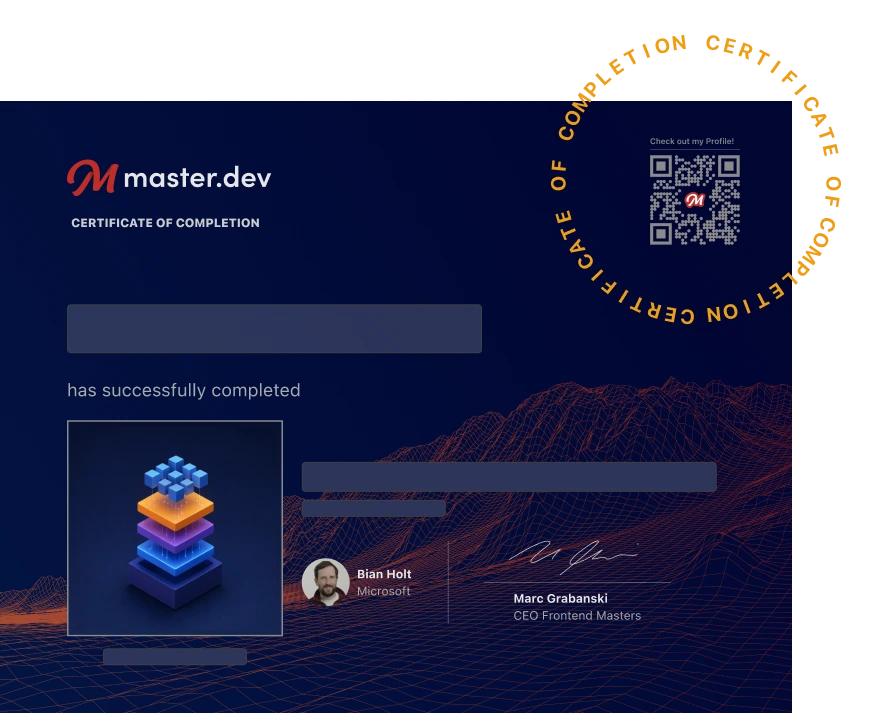
Earn a Completion Certificate
After completing this course, you'll receive a certificate of completion that serves as proof of your achievement, showcasing your expertise, and commitment to professional development. You can easily share this certificate on your LinkedIn profile to highlight your new skills and demonstrate continuous learning to potential employers and professional connections.
What They're Saying
What an amazing teacher Erik is.

Sebastian Chanzu
I have been using GitHub actions for quite some time but after watching the course, I realized there are quite a ton I didn't understand the internal workings. Great course!!!

Aniebiet Afia